BOOK AN APPOINTMENT
Click “Book Shoot” to provide your contact details and to select a preferred shoot date. We’ll contact you to confirm your appointment and answer any questions.
PHOTOSHOOT
Your photographer will come to your restaurant for a 1-hour shoot to capture individual close-ups of menu items. They’ll need a table to shoot on, preferably near a window or even outside (weather permitting).
PHOTOS DELIVERED
A link to download your completed photos will be emailed to you and to The Ordering.app
Why professional photos?
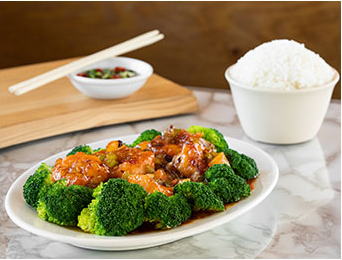
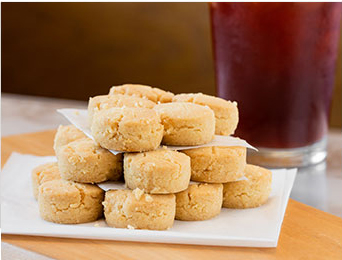
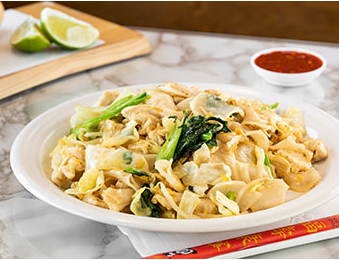
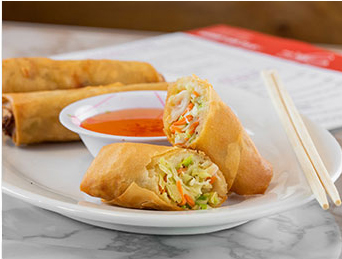
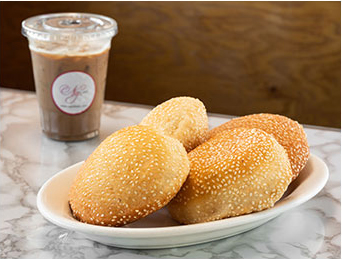
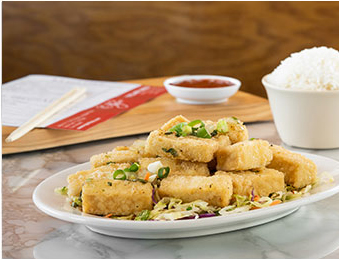
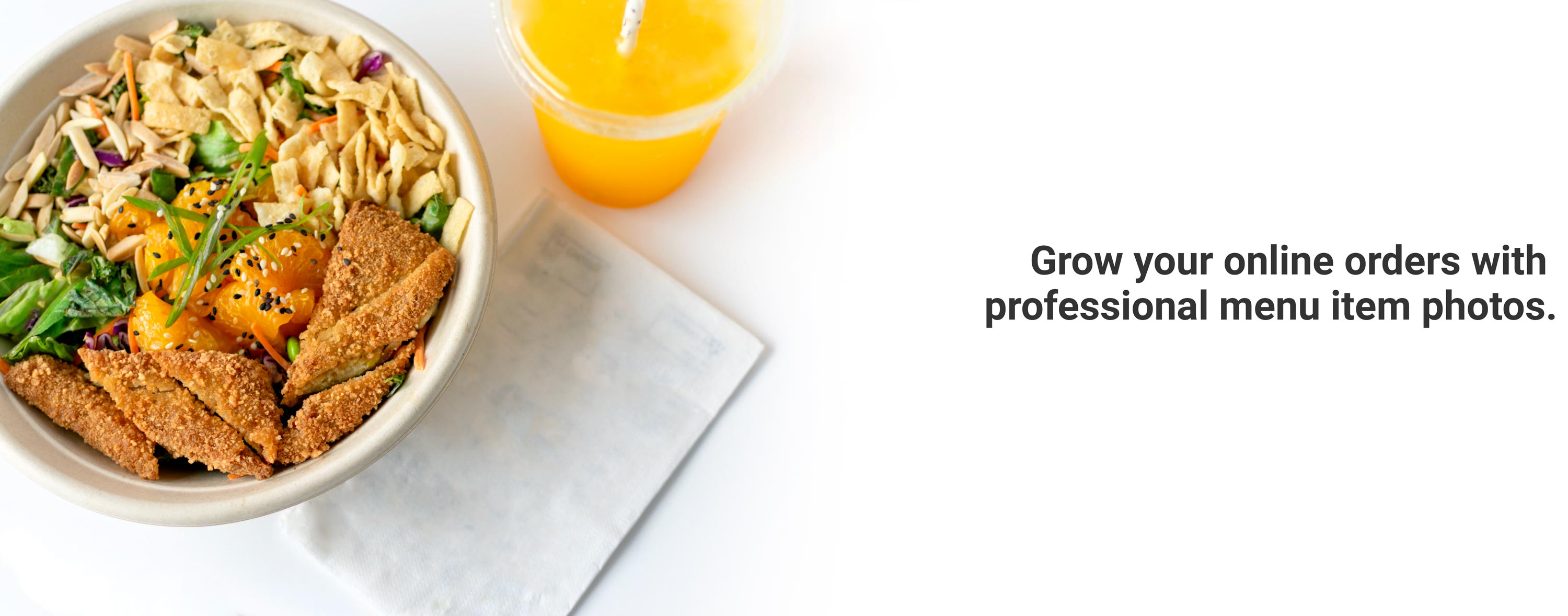
SmartShoot photographers have shot millions of menu items for restaurants across the US. They know how to represent your food beautifully and accurately and professional photos may help increase both take out and delivery orders.
How do I prepare?
Please provide your photographer with a table, preferably near a window for the best lighting, that is at least six feet from any diners or staff. Please be prepared to plate the number of dishes based on your photo package when the photographer arrives. You can help the photographer capture the essence of your restaurant by providing them with a choice of surfaces, plates, glassware, napkins, and silverware.
How do I add photos to my menu on The Ordering.app
Download the photos from the email link. Now, sign in to your The Ordering.app account. Under "Menu", choose "Item Images" and "Add item" to add your photos to your menu items.
Sample Photos